


Personal data is everywhere today. From social media posts to online shopping, your info is a target for hackers.
Keeping your details safe takes a little effort but saves a lot of stress. You can stay ahead of bad actors by following some basic steps. These habits protect your bank accounts and your identity.
Managing Your Digital Footprint
Digital footprints grow every time you log on. Scammers look for patterns in what you share. Small details like your pet’s name or your high school can be used against you. Limit what you share on public profiles to keep your identity hidden.
Privacy settings on social sites change often. Check these settings once a month to see who can view your posts. Keeping your life private makes it harder for thieves to guess your security questions. It is a simple way to stay safe online without much work.
Reducing Risks From Modern Threats
Identity crime happens to millions of people every year. Learning how to prevent identity theft helps you stay off the list of victims. Most people wait until after a problem to learn these steps.
It is better to be ready before a thief targets you. Scammers use emails and text messages to steal your info. This is called phishing.
Never click on links from people you do not know. These links can install bad software on your computer or phone. Stay alert and think before you click.
Smart Ways To Handle Passwords
Using the same password for every site is a big mistake. A recent guide from a consumer protection agency suggested a few paths for better security. Users can create their own strong codes or let a computer generate them.
Utilizing a password manager is another top choice for keeping track of complex logins. A good password should be long and include special symbols.
Avoid using common words or names of family members. If a hacker gets one password, they will try it on every other site you use. Unique codes for every account keep your data separated and safe.
Global Efforts For Data Privacy
Rules about data are changing fast. Large groups of experts meet to decide how to keep your info private.
One data protection group recently released a strategy to strengthen laws across many countries. This work helps protect you even when you visit sites based in other parts of the world.
Modern rules force companies to be more careful with the things they share. They must tell you what data they collect and why. You often have the right to ask a company to delete your info. These laws give you more power over your digital life.
Lock Your Devices Fast
Your phone holds a lot of sensitive data. If you leave it sitting open, anyone can grab it and see your life. An article about digital safety suggests setting your auto-lock timer to just 30 seconds. This quick setting means your device locks itself almost as soon as you stop using it.
Biometric locks like thumbprints or face scans are very helpful. They are faster than typing a code and much harder to guess. Use these features on every device you own. It adds a strong layer of defense against physical theft.
Safe Habits For Public Wi-Fi
Public hotspots are rarely as secure as your home network. Criminals can set up fake networks with names like “Free Guest Wi-Fi” to trick you. Once you connect, they see every site you visit. This is a common way for people to lose their social media logins.
Always turn off the “auto-join” feature on your phone. This prevents your device from connecting to random networks without your permission. If you must use a public connection, do not log into any financial sites. Stick to reading the news or checking the weather until you get home.
A virtual private network, or VPN, can protect your data on public networks. It hides your IP address and encrypts your traffic. This makes it much harder for anyone to see what you are doing. Many VPN services are cheap and easy to use on a phone.
- Use a PIN with 6 digits
- Clear your cookies often
- Use a VPN on laptops
- Turn off Bluetooth when not in use
Updating Software Regularly
Software updates do more than just add new features. They often fix holes in security that hackers like to use. If you ignore an update, you leave your computer open to an attack. Set your devices to update automatically whenever a new version is ready.
App developers find bugs that could let a virus into your phone. These patches are released as updates to keep you safe. Checking for updates once a week is a good way to stay secure. It takes a few minutes, but it stops a lot of trouble.
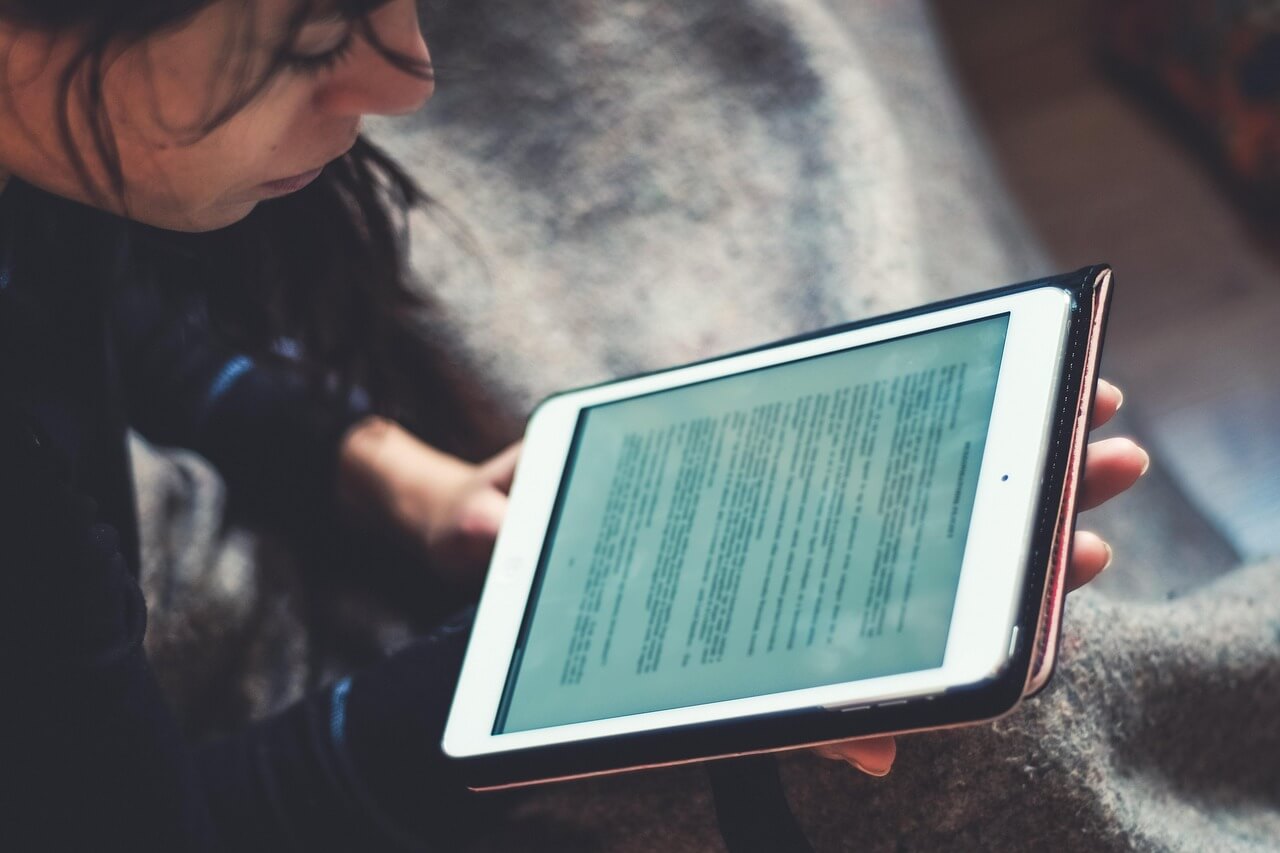
Staying safe online is a continuous process. New tech brings new risks, but the basics usually stay the same. Pay attention to where you click and what you download. Your personal info is valuable, so treat it with care. A few minutes of prep can prevent years of headaches later.
